Construction margin calculator for UK trade quotes.
Know the profit before you send the price.
Use this page as a quick margin sense-check before quoting: costs, markup, gross margin, VAT, contingency, and the final client price.
Run the margin check
Change the costs and markup. The result updates before you give us an email.
Inputs
Example: a small refurb with labour, materials, subcontractors, overhead, contingency, markup, and VAT.
Instant result
Cost before markup
£10,343
£493 contingency included
Quote before VAT
£12,928
20.0% gross margin
Profit in quote
£2,586
Client total inc VAT
£15,514
£2,586 VAT
Want the working file?
Enter your email, then download the CSV. The result stays visible above.
Separate cost from price
Labour, materials, subcontractors, hire, waste, and access need to be visible before the client sees the final number.
Choose markup or gross margin
Markup adds profit on top of cost. Gross margin shows profit as a share of the final selling price. Mixing them up quietly loses money.
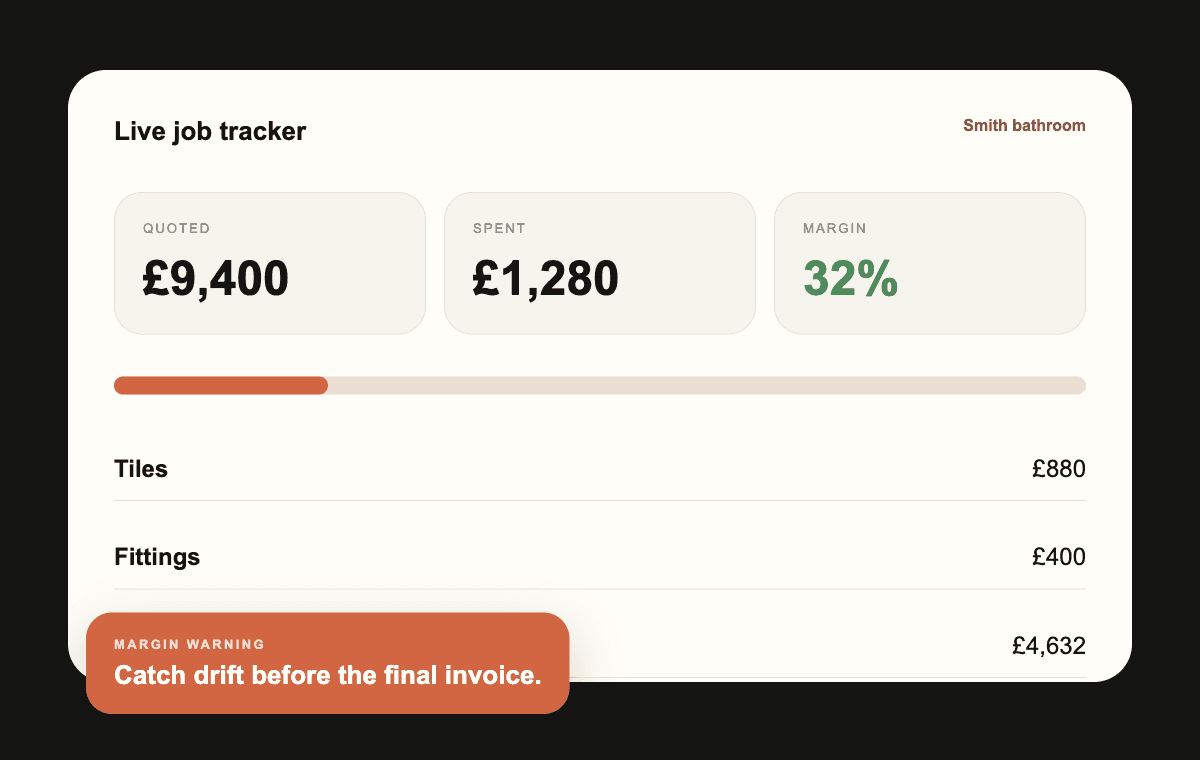
Track the live job after acceptance
The calculator checks the quote. QuoteBuild keeps actual spend tied to the original estimate once work starts.
A quick pricing check before you commit.
Step 1
Enter labour, material, subcontractor, hire, and overhead costs.
Step 2
Choose markup or gross margin and add contingency where the job has risk.
Step 3
Check the final client price before VAT and after VAT where applicable.
Free calculator
Send me the margin calculator.
Use the free calculator to sense-check a job. When you want live tracking against the quote, build it in QuoteBuild.
Quick answers.
What is a good construction margin?
It depends on job type, risk, overhead, and how busy you are. The key is setting the margin deliberately instead of hoping it survives the job.
Is markup the same as margin?
No. Markup is added to cost. Gross margin is profit as a percentage of the selling price. A 20% markup is not a 20% gross margin.